How Long Does Turnitin Take to Process?
Turnitin usually generates your Similarity and AI Writing reports within 10–20 minutes — but delays happen. Here's what's normal, what causes slowdowns, how the resubmission waiting period works, and what to do if your report never appears.
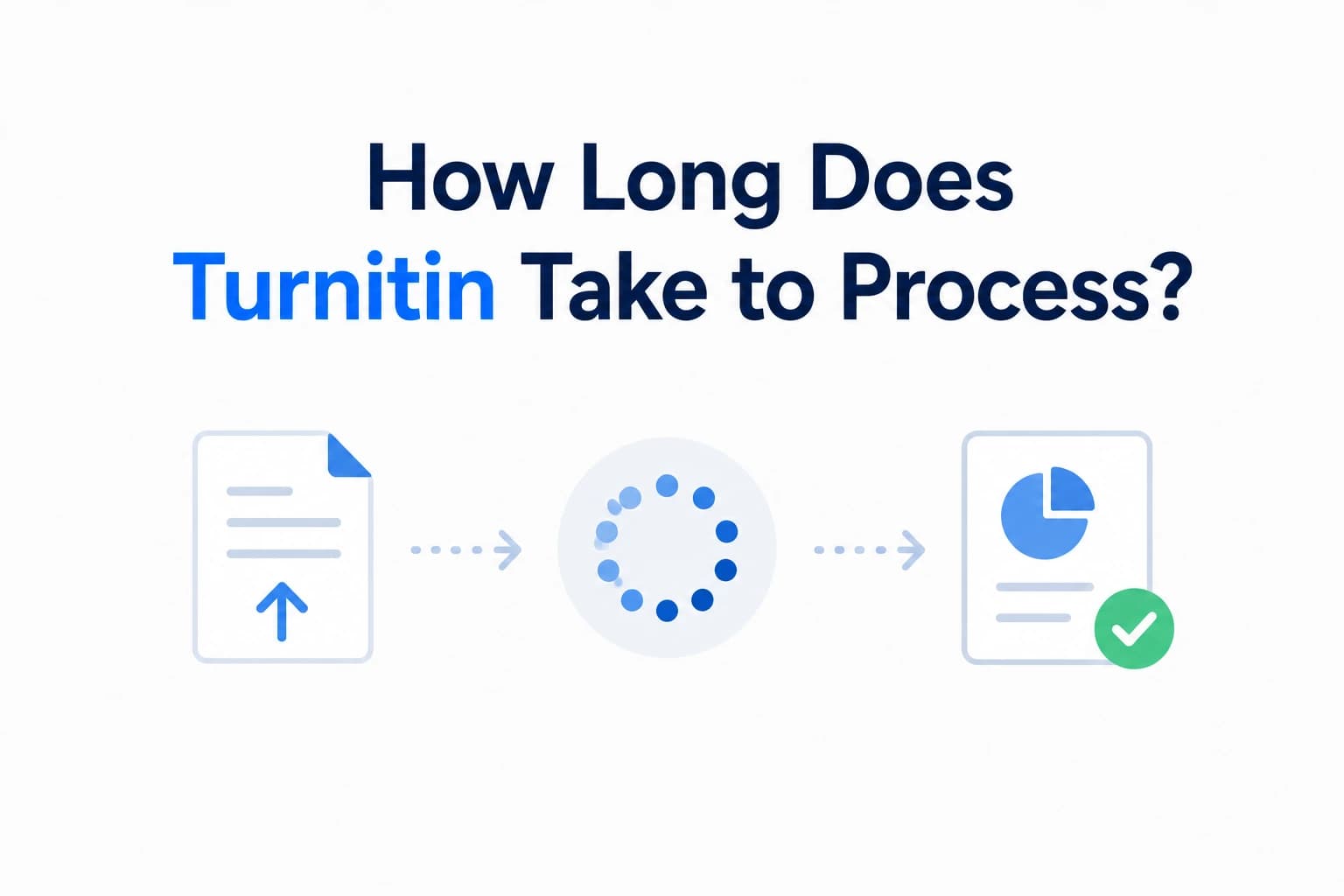
You have submitted your paper and you are waiting for your Turnitin report. The page is loading. Nothing is appearing. How long is this supposed to take? The honest answer is: it depends — but there are clear patterns to what is normal, what is a delay, and what means something has gone wrong. This guide covers every scenario.
How long does the similarity report take?
Under normal conditions, Turnitin generates a Similarity Report within 10 to 20 minutes of submission. For most standard essay submissions — a Word document or text-based PDF between 500 and 5,000 words — you should have a result within that window.
Turnitin's own documentation acknowledges that processing can take up to 24 hours in some cases. This is not a malfunction — it is the upper bound Turnitin sets for normal processing. As the National University of Singapore's guidance notes, quoting Turnitin directly: reports usually generate within minutes but can take up to 24 hours depending on system load.
If your report has not appeared after 24 hours, that is no longer normal processing — that is a problem worth investigating.
How long does the AI writing report take?
The AI Writing Report is generated as part of the same submission pipeline as the Similarity Report. There is no separate queue or additional wait time for AI detection — both reports are produced together. If your assignment has AI detection enabled, you will see both reports appear at roughly the same time, typically within the same 10 to 20 minute window.
What affects processing speed?
Several factors can push your processing time toward the longer end of the range:
- File size and format. Large files take longer to process. DOCX and text-based PDFs are the fastest formats. Scanned PDFs, files with embedded high-resolution images, or documents exported from LaTeX can be slower or fail entirely. The maximum file size Turnitin accepts is 100 MB — files approaching that limit will take significantly longer than a standard essay.
- Document length. A 1,000-word essay processes faster than a 20,000-word dissertation. Longer documents require more database comparisons, which adds time.
- Server load and peak periods. Turnitin processes submissions from institutions worldwide. During high-traffic periods — end-of-semester deadlines, midterm weeks, or when a large cohort all submit to the same assignment at once — the queue backs up. What normally takes 15 minutes can stretch to several hours during peak load.
- LMS integration delays. If your institution uses Turnitin through Canvas, Moodle, Blackboard, or another learning management system, the LMS adds its own processing layer on top of Turnitin's. A report that has already been generated by Turnitin may take additional time to appear in your submission portal.
- Instructor report settings. Some instructors configure Turnitin to withhold reports until after the assignment deadline. In this case, the report may have already been generated — but you simply cannot see it yet. This is an instructor setting, not a processing delay, and no amount of waiting or resubmitting will change it.
The resubmission rule and waiting periods
If your instructor has enabled resubmissions on the assignment, the timing works differently for repeated submissions. This is one of the most important things to understand if you are checking your paper before the final deadline.
For the first three submissions to an assignment, a new Similarity Report is generated immediately after each one — subject to the standard 10 to 20 minute processing time. From the fourth submission onward, Turnitin imposes a mandatory 24-hour waiting period before generating a new report. This applies regardless of how small the change between submissions was.
The 24-hour clock runs from your most recent submission, not from midnight. If you submit a fourth time at 3pm on Tuesday, your next report will not generate until 3pm on Wednesday at the earliest.
This rule exists specifically to prevent students from making small edits and checking repeatedly in rapid succession. The practical implication: if you are planning to check your paper before your deadline, start early enough that the waiting period does not put you up against the clock. Our guide on how to check your essay before submission recommends checking at least 48 hours before your deadline for exactly this reason.
When Turnitin is at its slowest
Turnitin does not publish its server load data, but the pattern is predictable. Processing is slowest during:
- End-of-semester finals periods — the highest volume of submissions across all institutions simultaneously
- Midterm weeks — a secondary peak across the academic calendar
- Shared assignment deadlines — when all students in a large course submit within the same hour
- Sunday evenings and Monday mornings — common deadline times at many institutions
If you are submitting close to a popular deadline window, build in extra time. A report that would normally take 15 minutes may take several hours during peak load, and the 24-hour upper bound is genuinely reachable during finals week.
What to do if your report has not generated
If 24 hours have passed and you still have no report, work through these steps:
- Check Turnitin's status page. Turnitin maintains a public status page at turnitin.statuspage.io that shows live system incidents and outages. If there is a known issue, it will be listed there.
- Check your file format. Scanned PDFs, password-protected files, and certain image-heavy formats are either rejected or fail to process. Our post on whether Turnitin checks PDF files explains exactly which formats cause problems and how to check yours before submitting.
- Check the instructor settings. Confirm with your instructor whether reports are being withheld until after the deadline. If so, the report exists — you just cannot see it yet.
- Contact your institution's IT or support desk. After 24 hours with no report and no known system incident, the appropriate next step is your institution's support team, not Turnitin directly. Students do not have a direct support channel with Turnitin — your institution does.
Frequently asked questions
How long does Turnitin take to process a submission?
Under normal conditions, 10 to 20 minutes for both the Similarity Report and the AI Writing Report. Turnitin's official documentation states processing can take up to 24 hours in some cases. During peak periods — end of semester, shared deadlines — delays toward the longer end of that range are common.
Why is my Turnitin report taking so long?
The most common reasons are high server load during peak submission periods, a large or complex file, an LMS integration delay, or an instructor setting that withholds reports until after the deadline. Check Turnitin's status page for known outages. If 24 hours have passed with no report and no system incident is listed, contact your institution's support team.
How does the resubmission waiting period work?
The first three submissions to an assignment generate a new report immediately. From the fourth submission onward, Turnitin imposes a 24-hour waiting period before generating a new report. The clock runs from the time of your most recent submission. This applies regardless of how minor the change between submissions was.
Does the AI Writing Report take longer than the Similarity Report?
No. Both reports are generated together as part of the same processing pipeline. If AI detection is enabled on your assignment, you will receive both reports at roughly the same time — there is no separate queue or additional wait for AI detection.
Ready to check your paper?
Get your Turnitin report in minutes.
Same report your institution generates — delivered privately, fast.