How to Check Your Essay for Plagiarism and AI Before You Submit
Most students only find out what their Turnitin report looks like after they submit. Here's every option available to check both your similarity score and AI score before your deadline — and how to read what comes back.
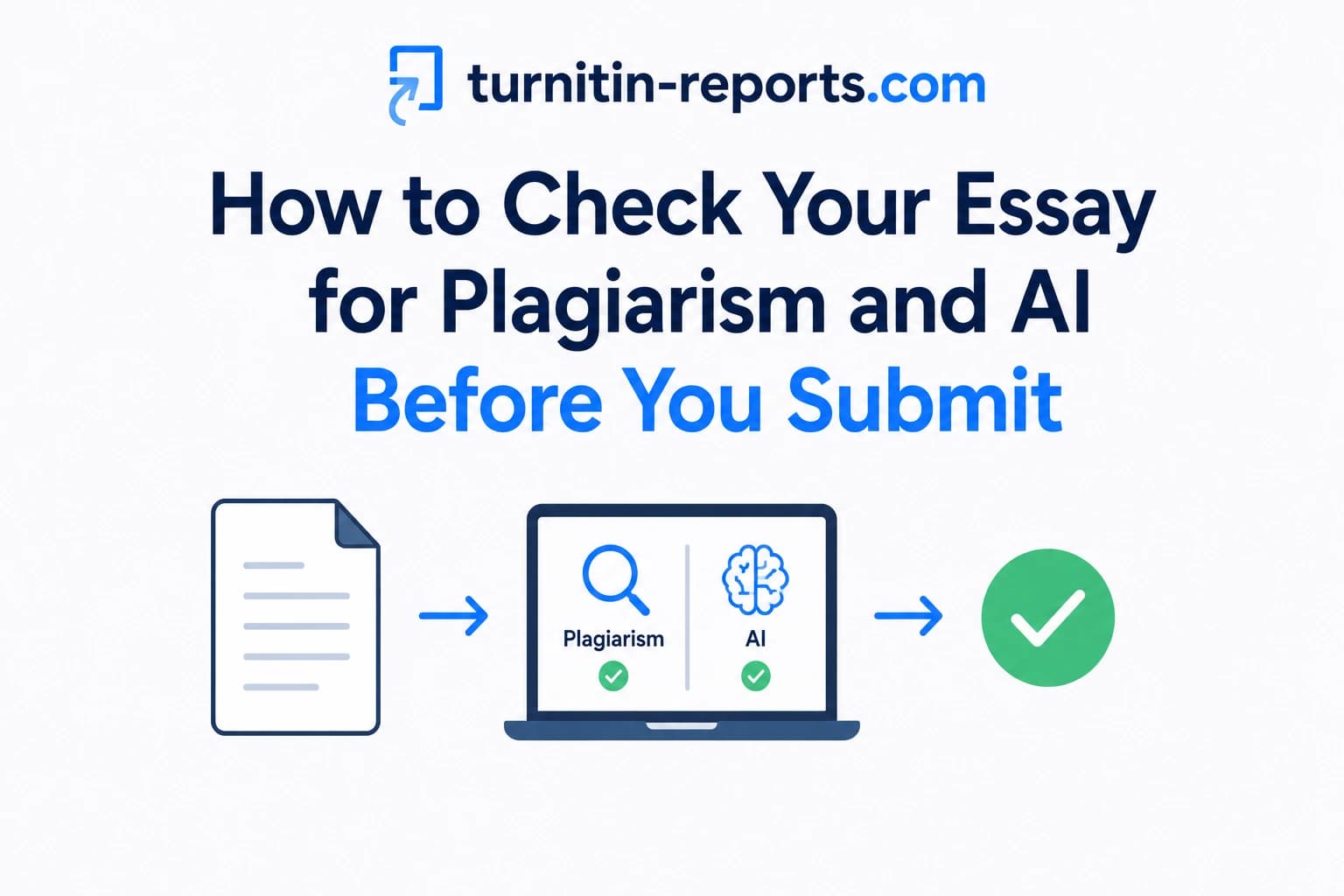
Most students only find out what their Turnitin report looks like after they have submitted — when the score is locked in and there is nothing left to do about it. Checking your essay for both plagiarism and AI before you submit flips that situation entirely. A high similarity score or an unexpected AI flag before your deadline is feedback you can act on. The same results after submission are a problem you have to manage. This guide covers every option available to you, what each one actually catches, and how to interpret what comes back.
Why checking before submission matters
Your institution's Turnitin check runs two separate analyses on your submission: a Similarity Report that compares your text against billions of web pages, academic journals, and previously submitted student papers, and an AI Writing Report that flags passages with statistical properties consistent with AI-generated content. Both scores are visible to your instructor before you see them.
Checking in advance gives you time to identify the specific passages driving a high score and revise them while you still can. It also lets you understand why a score is high — whether it is your bibliography inflating the number, properly cited quotes counting against you, or a section that genuinely needs rewriting. A surprise similarity score after submission gives you none of that time or context.
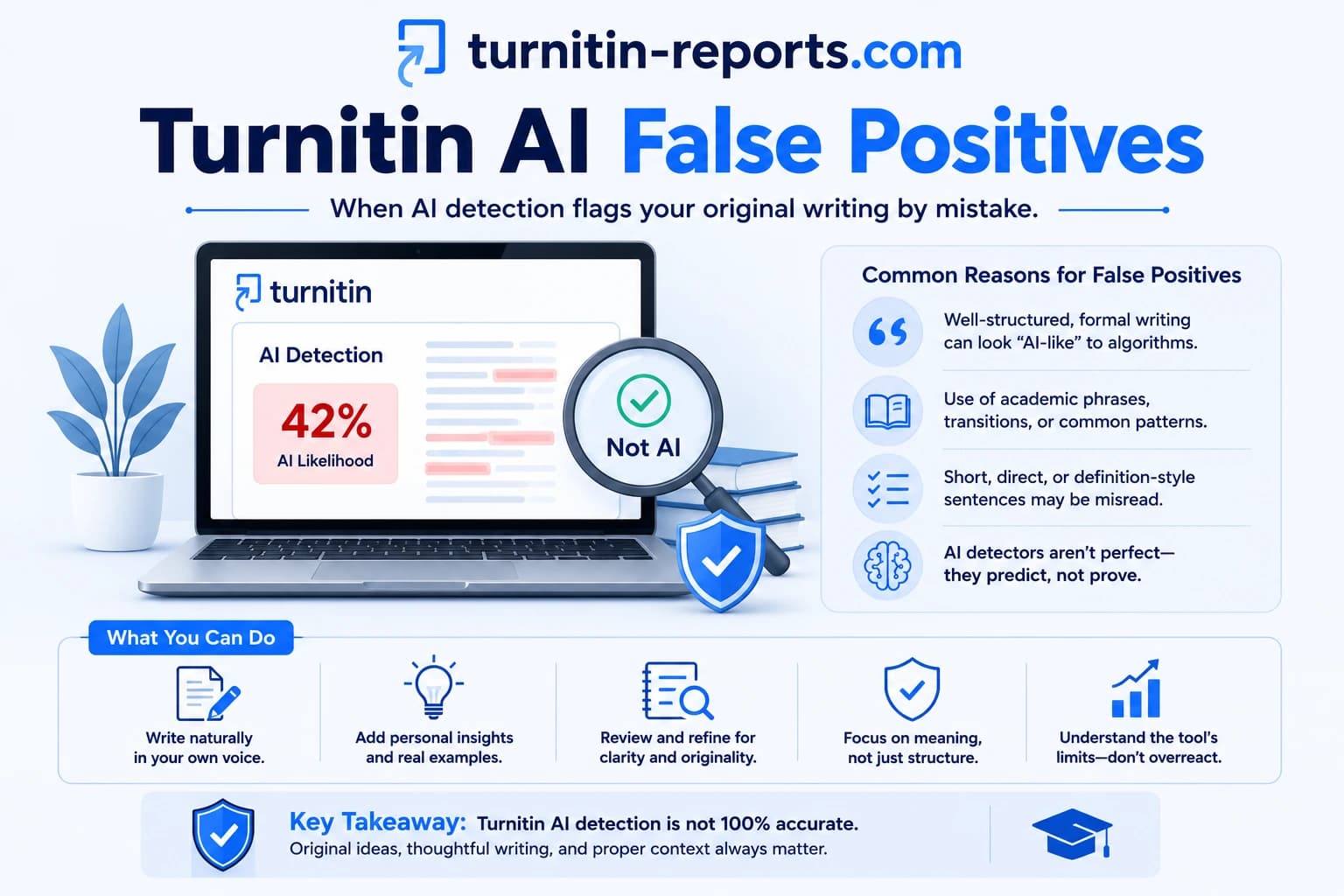
The same applies to AI detection. If your writing style happens to resemble AI output — common for students who write in simple consistent structures or who have run their paper through a grammar tool — seeing your AI score before submission lets you understand your exposure before it becomes part of a misconduct conversation. Our post on Turnitin AI false positives explains which writing styles are most at risk.
Option 1 — Draft submissions through your institution
The most direct way to check before submission is through your own institution's Turnitin integration, if your instructor has enabled resubmissions on the assignment. When resubmissions are allowed, you can submit a draft, receive a full Similarity and AI Report, revise your paper, and resubmit before the deadline.
How it works in practice: the first three resubmissions to an assignment generate a new report immediately. After three resubmissions within 24 hours, Turnitin imposes a 24-hour waiting period before the next report is generated. This prevents students from making tiny edits and checking repeatedly in rapid succession.
The catch is that not all instructors enable this. Some assignments allow only one submission, or resubmissions are disabled to prevent iterative score optimisation. If your assignment does not allow resubmissions, this option is not available to you. As Boston University's Turnitin guidance notes, draft checking availability depends entirely on how the instructor has configured the assignment — check the assignment settings or ask your instructor directly.
Option 2 — Free plagiarism and AI checkers, and their limits
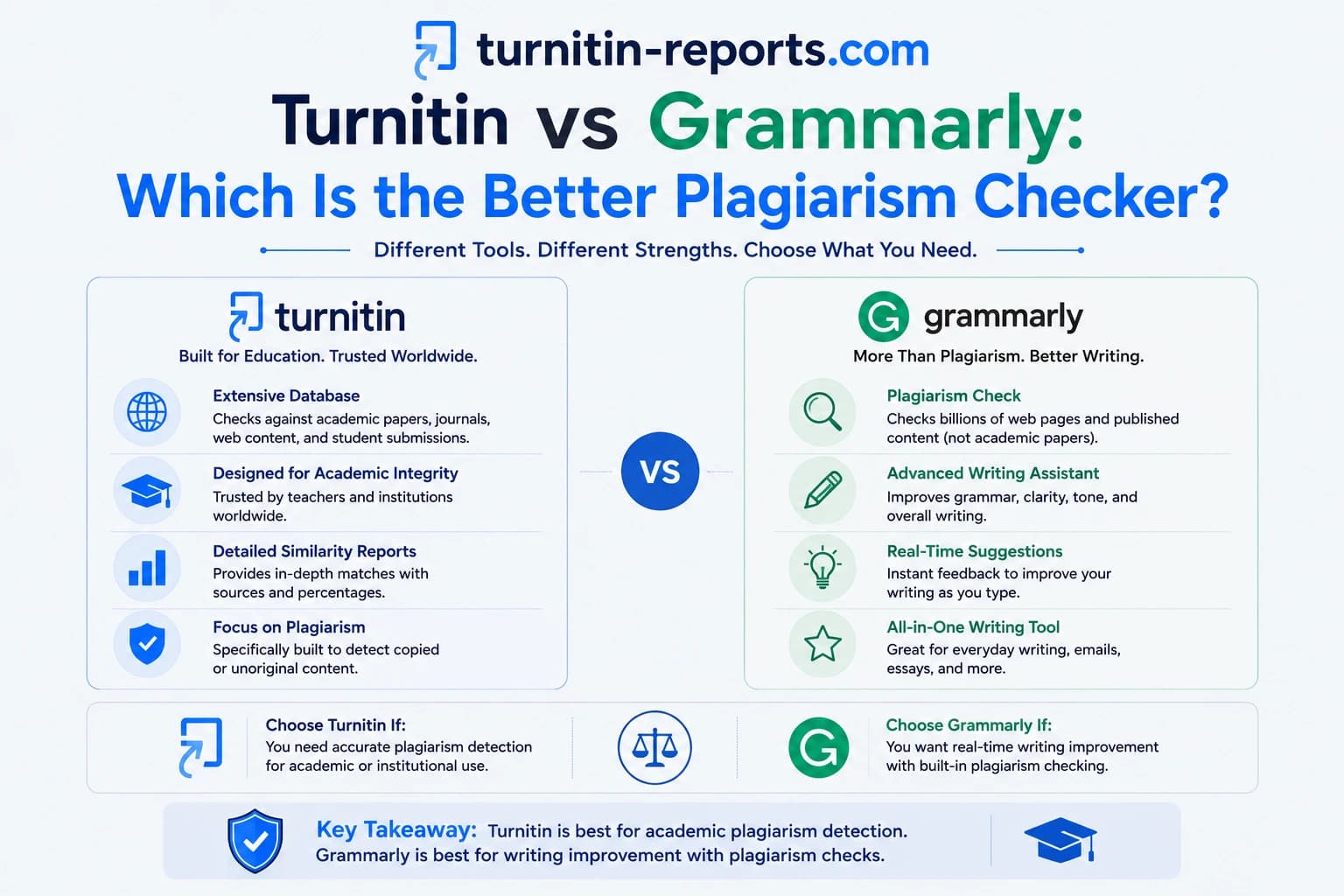
Free plagiarism checkers — tools like Grammarly's plagiarism checker, Copyscape, or Quetext — check your text against publicly available web content. They are accessible and free. They also miss most of what actually gets students flagged.
The critical gap is the database. Free tools have no access to Turnitin's student paper repository — the 1.6 billion previously submitted student papers that are one of Turnitin's most powerful detection sources. They have no access to the Crossref Similarity Check database of 78 million full-text academic articles, including paywalled journals. A clean result from a free checker tells you your paper does not match anything on the public web. It tells you nothing about whether it matches a paper submitted at your university three years ago, or a journal article your instructor assigned you.
Free AI detectors have an equivalent problem. General-purpose AI detectors are not trained on academic writing specifically. Turnitin's AI detector was developed using student submission data and has a dedicated paraphrasing detection layer added in July 2024. A 0% result from a generic AI detector and a 0% result from Turnitin's AI detector are not the same thing. Our comparison of Turnitin vs Grammarly explains the database gap in full.
Option 3 — Run the actual Turnitin check
The only way to know exactly what your institution's submission will show is to run your paper through Turnitin itself — the same software, the same database, the same output your instructor sees. If your assignment portal is closed, your instructor has not enabled draft submissions, or you want to check outside of term time, lets you submit your paper and receive a genuine Turnitin Similarity Report, AI Writing Report, or both. Your paper is processed under settings that exclude it from Turnitin's student repository, so checking it here does not affect your institution's submission. We accept Word documents (.doc, .docx), text-based PDFs, and most other standard document formats.
How to read your similarity report
Getting a report is only useful if you know what to do with it. A similarity percentage on its own tells you very little — what matters is what is driving the number. Understanding how to read the full report is the step most students skip. Open the source breakdown — matches are listed by source, and you can see exactly which passages are flagged and what they matched against. Common findings include:
- Bibliography matches. Your reference list matching publication database entries. This is expected and entirely legitimate. Toggle the “Exclude Bibliography” filter to see your body-of-work score without the reference list.
- Quoted text. Passages in quotation marks matching their sources. Also expected. The “Exclude Quotes” filter removes these so you can see your original writing score separately.
- Common academic phrases. Short boilerplate sentences appearing across many papers. Low-risk matches — the “Exclude Small Matches” filter removes most of these.
- Body text matches without citation. Passages in the main body of your paper matching a source without quotation marks or attribution. These are the matches that need attention — they suggest text that needs to be properly paraphrased, attributed, or rewritten.
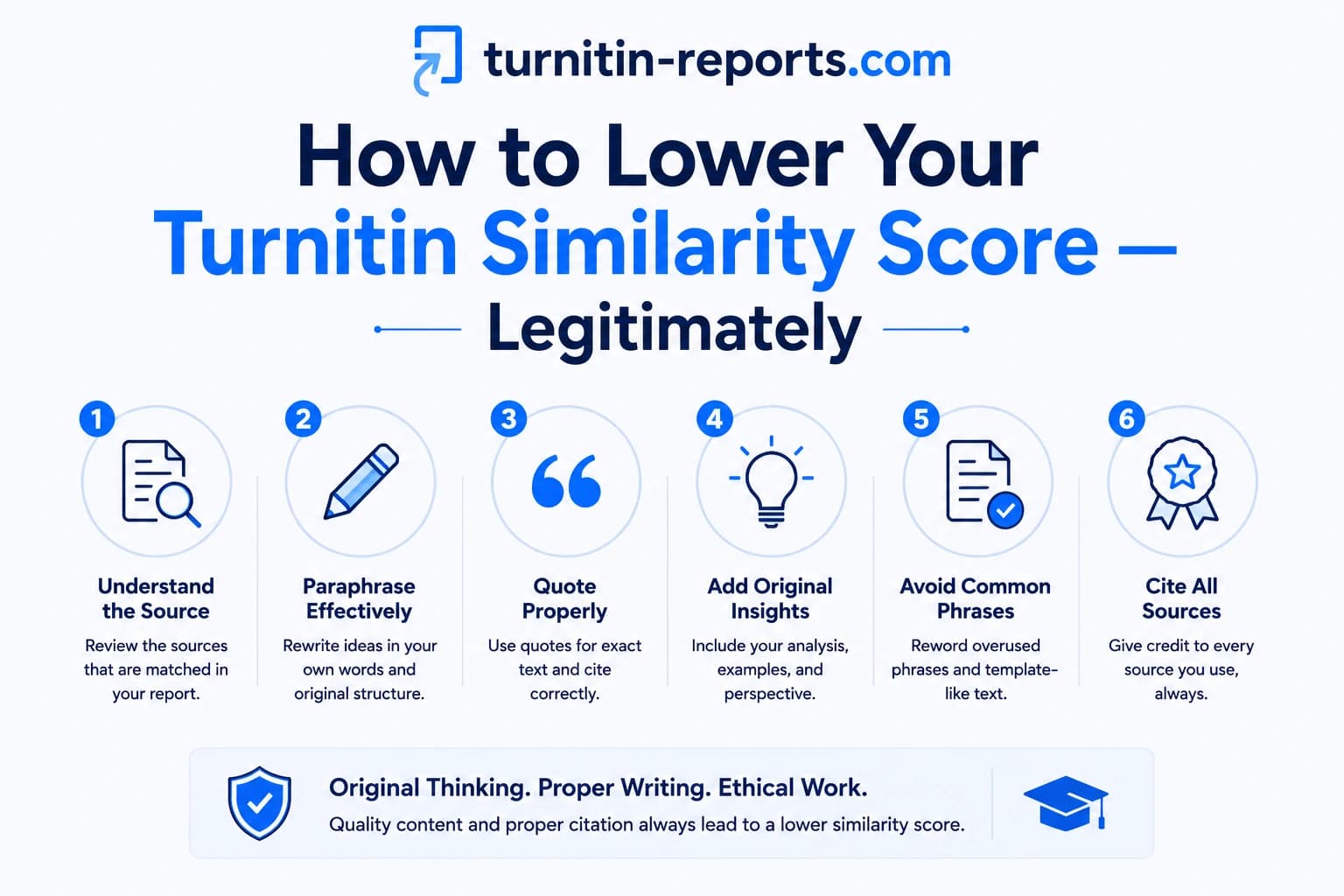
Once you have identified which body text passages are driving your score, revise them using the read-close-write method: read the source, close it, rewrite the idea entirely from memory in your own sentence structure, then add the citation. Our full guide on how to lower your Turnitin similarity score covers every technique in detail, including what not to do.
How to read your AI report
Turnitin's AI Writing Report gives your submission an overall AI percentage and highlights specific passages it considers likely AI-generated. A few things to understand before interpreting the result:
- Scores below 20% show as *%. Turnitin does not display the actual number for low scores — it shows an asterisk. Most institutions treat this as within normal range and do not act on it.
- The score is not a verdict. Turnitin itself states the AI score should start a conversation, not serve as standalone evidence of misconduct. A high score warrants a closer look at the highlighted passages — not an automatic assumption of wrongdoing.
- False positives are real. Formal, consistent writing styles — particularly from non-native English speakers — can produce elevated AI scores even on entirely human-written work. Institutions like UC San Diego advise treating the score as one signal among several, not a definitive finding.
- If your score is high and your work is genuinely your own, preserve your writing evidence — drafts, version history from Google Docs or Word, research notes — before any conversation with your instructor takes place.
A pre-submission checklist
The students who are never surprised by their Turnitin scores are not the ones who got lucky — they made pre-submission checking part of their writing process. Before every final submission:
- Run a similarity check and review the source breakdown, not just the percentage
- Apply the bibliography and quotes exclusion filters to see your true body-of-work score
- Identify any flagged body text passages and revise them with proper paraphrasing and citation
- Run the AI check and review any highlighted passages — if they look like your own writing, document your process just in case
- If your AI score is above 20%, revisit those specific passages and consider rewriting in a more natural, varied style
- Check that all your citations are accurate and that none of your references are fabricated — especially if you used any AI assistance for research
MIT's academic integrity guidance emphasises that the goal of paraphrasing is genuine understanding — not surface-level word substitution. A similarity check before submission is most useful when it prompts you to engage more deeply with your sources, not when it is treated as a game to lower a number.
Frequently asked questions
Can I check my essay for plagiarism for free?
Free checkers exist, but they only scan publicly available web content. They have no access to Turnitin's student paper repository or its database of 78 million academic journal articles. A clean result from a free checker does not tell you what Turnitin will find — it only confirms there are no obvious matches on the open web. If your institution uses Turnitin, the only reliable pre-check is Turnitin itself.
Will checking my paper before submission affect my institution's Turnitin check?
Not if the check is run under no-repository settings, which is standard practice for pre-submission checking services. Your paper is processed through Turnitin but not added to the student paper database, so it will not appear as a match source when your institution runs its own check on your final submission.
What AI score is considered safe?
There is no universal threshold. Turnitin does not display scores below 20% — they appear as *% and are generally not acted on. Scores above 20% are visible and may prompt instructor review, though policies vary by institution. What matters is whether the highlighted passages genuinely reflect AI-generated writing or are false positives caused by your writing style.
How long before my submission deadline should I check?
At least 48 hours, ideally longer. If your similarity score comes back high, you need time to identify the flagged passages, revise them, and check again. If resubmissions are enabled on your assignment, remember that after three checks within 24 hours, there is a 24-hour waiting period before the next report generates. Building in enough time means you are not still revising at midnight before the deadline.
Ready to check your paper?
Get your Turnitin report in minutes.
Same report your institution generates — delivered privately, fast.