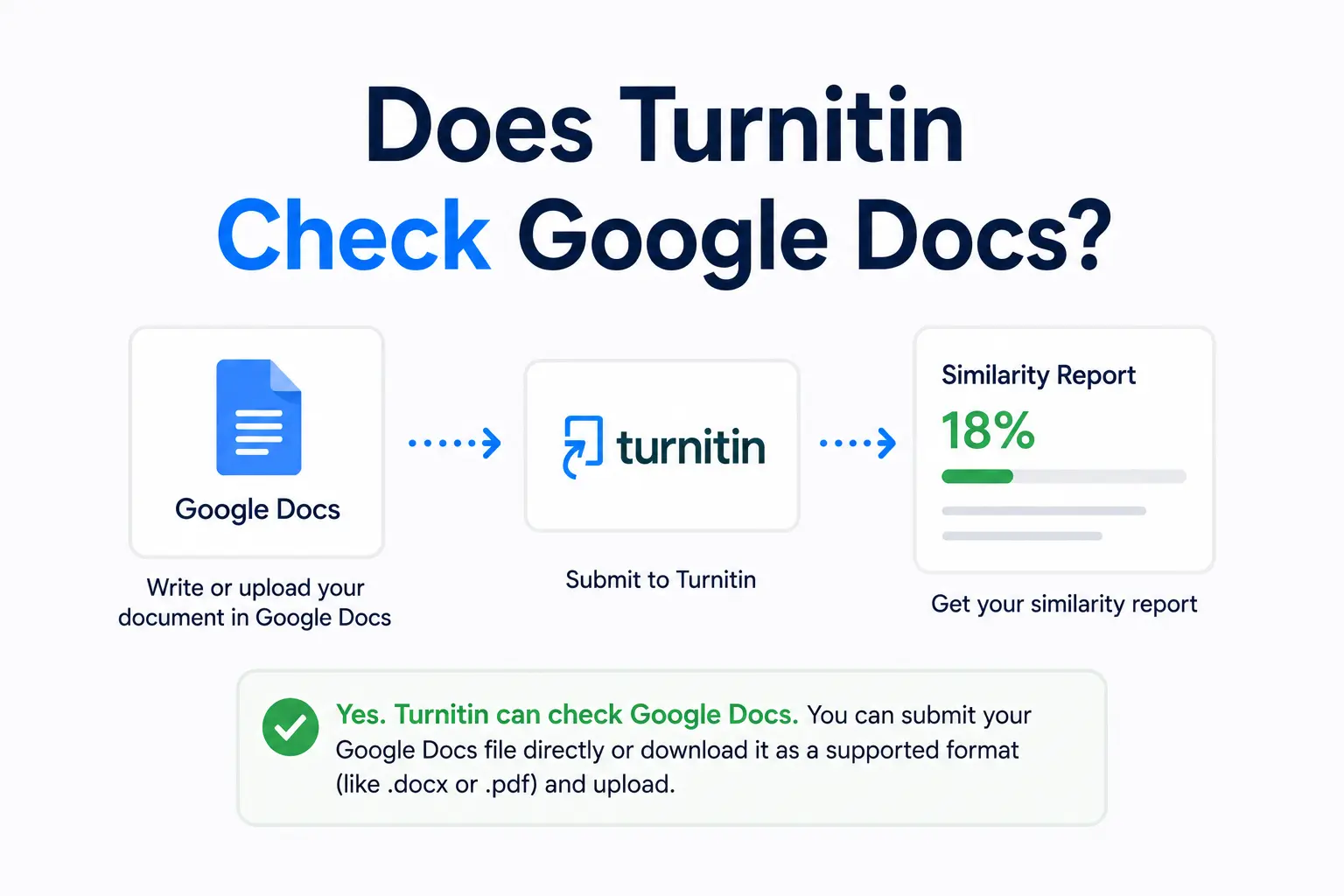
Turnitin Accepted File Types: Every Format Explained (and Which to Avoid)
Submitting the wrong file type to Turnitin either kills your submission or produces a report that doesn't include the AI Writing Report. Here's every accepted format, which one gives you the most complete report, and which common formats silently fail.
Submitting the wrong file type to Turnitin is one of the most avoidable reasons a submission fails — or produces a misleading report. Turnitin accepts a specific list of formats, and the format you choose affects not just whether your submission goes through, but what Turnitin can check and what ends up in your Similarity Report. This guide covers every accepted file type, which format is best for which situation, and the specific limitations you need to know before submitting.
The full list of accepted file types
According to Turnitin's official file requirements guide, the following formats are accepted for similarity checking:
- Microsoft Word — .doc and .docx (both accepted; .docx is preferred)
- PDF — .pdf (text-based only — scanned image PDFs are not processed)
- Plain text — .txt
- Rich Text Format — .rtf
- HTML — .htm and .html
- OpenDocument Text — .odt (LibreOffice / OpenOffice)
- WordPerfect — .wpd
- PowerPoint — .ppt and .pptx (text in slides is extracted and checked)
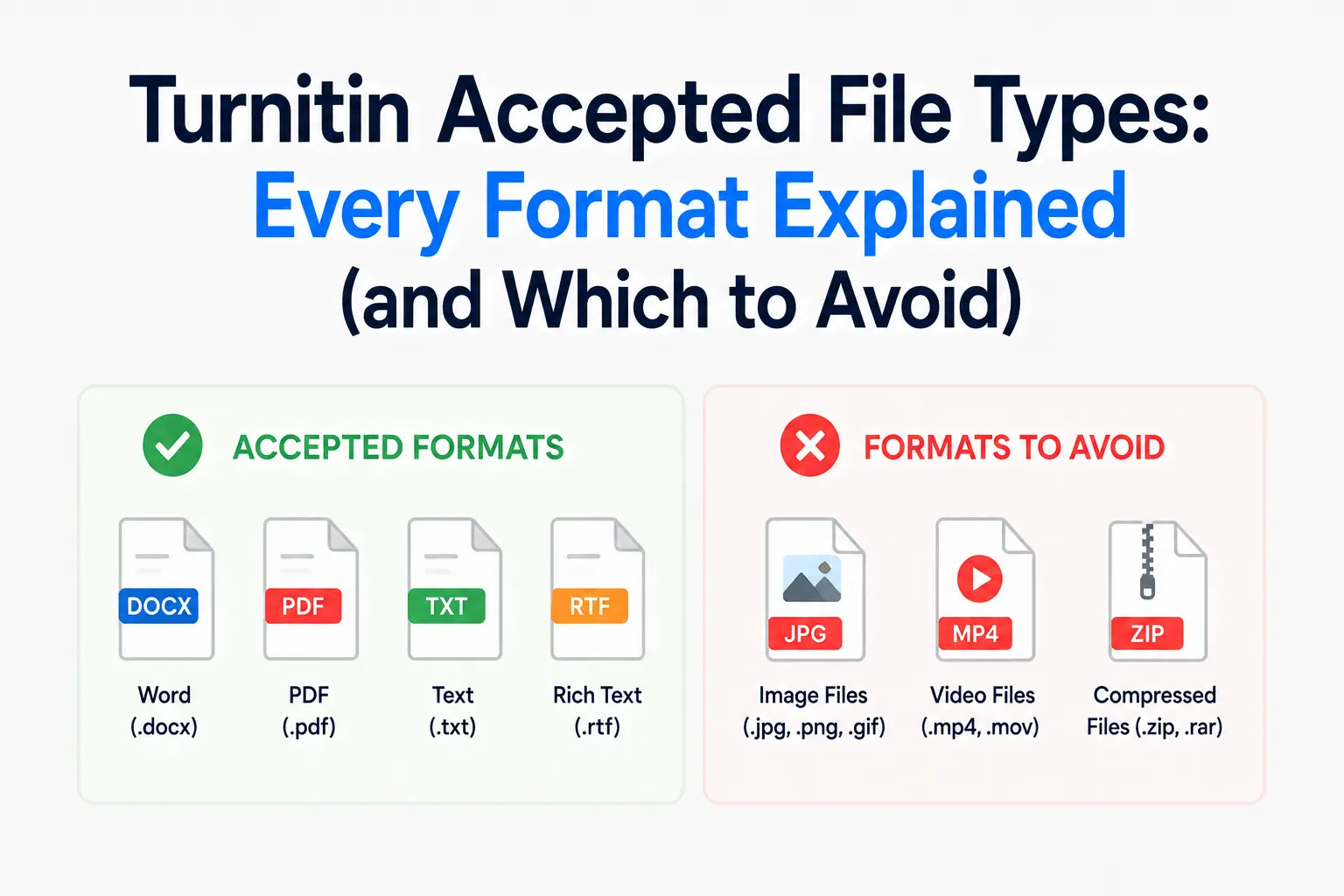
- Google Docs — only via the Google Drive integration inside the LMS, not as a .gdoc file upload
- Hangul Word Processor — .hwp (used primarily in South Korea)
For AI Writing Report generation specifically, Turnitin's AI report file requirements are more restrictive: only .docx, .pdf, .txt, and .rtf generate an AI score. Submitting a .ppt or .odt file will produce a Similarity Report but no AI Writing Report.
File size and page limits
Every submission must meet these technical requirements:
- Maximum file size: 100MB for most formats; 2MB for plain text (.txt) files
- Maximum page count: 800 pages
- Minimum word count: 20 readable words — submissions below this threshold will not generate a Similarity Report
These limits rarely affect standard essay submissions but become relevant for dissertations, portfolios, or documents with many embedded images.
Which format should you submit?
The choice of format is not neutral — different formats are processed differently by Turnitin.
.docx — the safest and most consistent choice
Microsoft Word .docx is the format Turnitin is most thoroughly optimised for. It processes footnotes, endnotes, tables, headers, footers, and text boxes most consistently in .docx. If you are writing in Google Docs, export as .docx (File → Download → Microsoft Word) before submitting rather than using a PDF. This is the recommended format unless your assignment specifically requires PDF.
.pdf — use with caution
PDF is widely used, but it comes with specific requirements. Turnitin only accepts text-based PDFs — documents where you can click and highlight individual words. If your PDF is a scanned image of a page — common with older documents or handwritten work — Turnitin will either reject it or produce a 0% similarity score that means nothing, because no text was extracted. Our post on how Turnitin handles PDF files explains how to verify whether your PDF is text-based or image-based before submitting.
Additionally, Turnitin does not accept PDF forms, PDF portfolios, or PDFs containing multiple embedded files. A standard exported PDF from Google Docs or Word is fine; a form created in Adobe Acrobat may not be.
.txt — stripped-down but reliable
Plain text files contain only characters — no formatting, no images, no tables. If your submission is purely text, .txt works cleanly and is fully processed. The 2MB size limit is the key constraint; most standard essays are well under this threshold.
.ppt / .pptx — text only, no AI report
PowerPoint files can be submitted for similarity checking. Turnitin extracts the text from each slide and processes it. However, images on slides are not checked, and as noted above, PowerPoint submissions do not generate an AI Writing Report — only a Similarity Report.
File types that do not work
A number of formats students commonly try will either fail or produce unreliable results:
- .gdoc — Google Docs shortcut files. These contain only a link, not the document. Always export to .docx or PDF first.
- Scanned PDFs — image-based PDFs produce no usable similarity report. Test yours by trying to highlight text — if you cannot, it is a scanned image.
- .pages — Apple Pages files are not accepted. Export to .docx or PDF before submitting.
- .numbers / .xlsx — Excel spreadsheets are not accepted for similarity checking.
- Image files — .jpg, .png, .gif, etc. are not processed. Turnitin checks text, not images.
- ZIP / compressed files — unless your instructor has specifically enabled portfolio submissions.
What Turnitin checks within your file
Regardless of file type, Turnitin processes only the text it can extract. In practice this means:
- All body text is checked
- Reference lists and bibliographies are included by default (instructors can apply an exclusion filter)
- Text inside tables is processed if it is selectable
- Footnotes and endnotes are handled differently by format — more consistently in PDF, variably in .docx depending on document structure
- Images, charts, and diagrams are not checked regardless of format
For the most complete picture of what Turnitin processes inside a document, our guide on what Turnitin checks breaks down each element in detail.
Frequently asked questions
What file types does Turnitin accept?
Turnitin accepts .docx, .doc, .pdf (text-based only), .txt, .rtf, .html, .odt, .wpd, .ppt, .pptx, and .hwp for similarity checking. For AI Writing Report generation, only .docx, .pdf, .txt, and .rtf are supported. Google Docs can be submitted via the Google Drive integration in your learning management system but not as a .gdoc file upload.
Can I submit a PDF to Turnitin?
Yes, as long as the PDF is text-based — meaning it contains selectable, highlightable text rather than scanned images of pages. You can test this by trying to click and drag to highlight text in your PDF. If you can highlight individual words, the PDF is text-based and will work. If clicking the page selects the entire page as an image, it is a scanned PDF and Turnitin cannot process it.
Does Turnitin accept Apple Pages files?
No. Apple Pages (.pages) is not a supported format. To submit Pages documents to Turnitin, export them as .docx (File → Export To → Word) or as a PDF before uploading. The .docx export is the more reliable option for full Turnitin compatibility.
Will a PowerPoint submission show an AI Writing Report?
No. PowerPoint files (.ppt and .pptx) produce a Similarity Report but do not generate an AI Writing Report. If your assignment requires AI detection and you are submitting a presentation, check with your instructor about the required format — you may need to submit the text content in a separate .docx file.
Ready to check your paper?
Get your Turnitin report in minutes.
Same report your institution generates — delivered privately, fast.
Related articles
Does Turnitin Check Footnotes, Tables, and Headers? What Gets Included in Your Score
7 min read · July 11, 2026