Does Turnitin Check Footnotes, Tables, and Headers? What Gets Included in Your Score
The answer depends on your file format and instructor settings. Footnotes are included in PDF but variable in Word. Tables are checked if the text is selectable. Headers are processed in PDF but often missed in .docx. Here's the full breakdown of what Turnitin does and doesn't check beyond your main text.
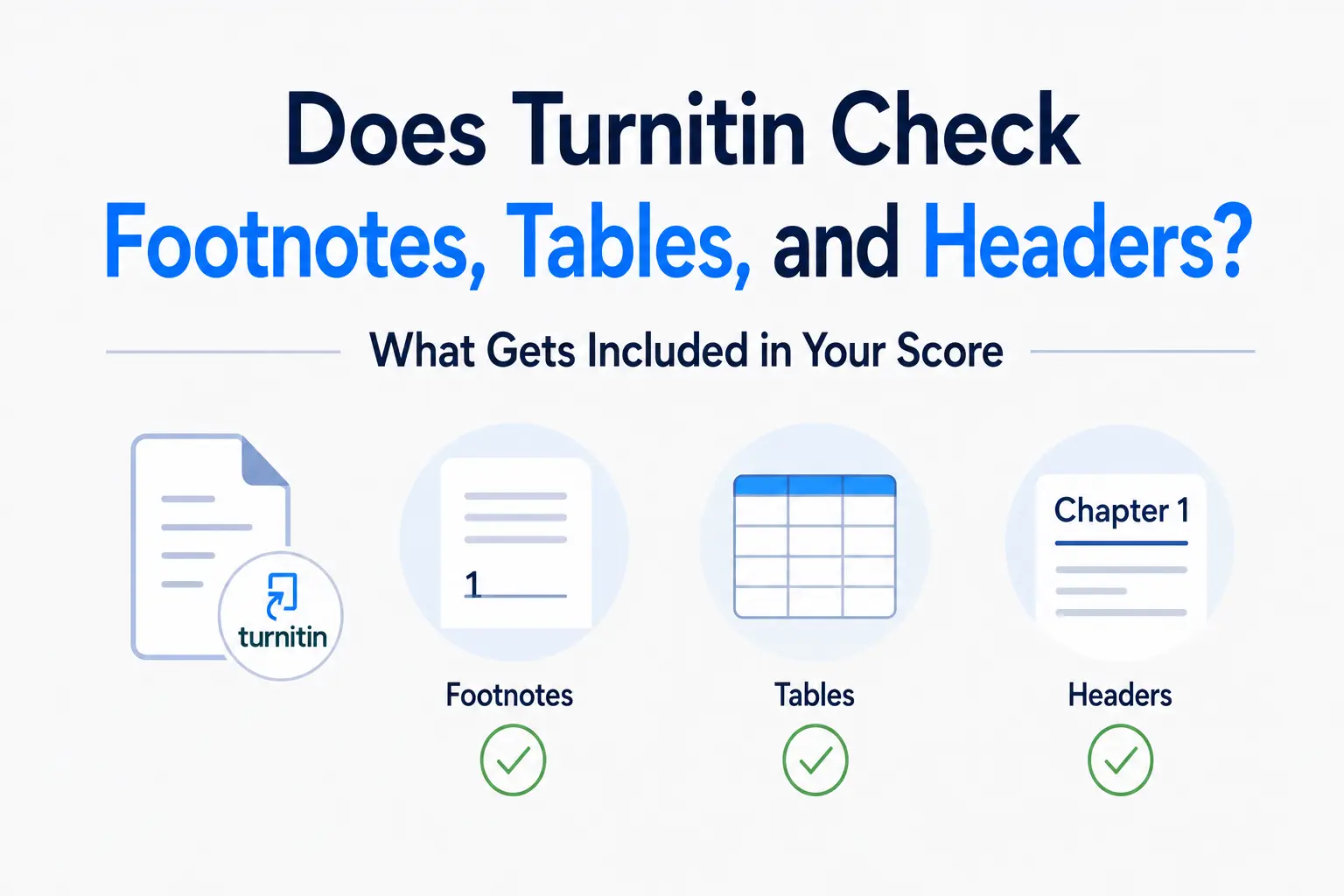
Research students and academics frequently ask whether Turnitin checks the parts of their document that sit outside the main body text — footnotes, endnotes, tables, headers, captions, and appendices. The answer is not a simple yes or no, because it depends on the file format you submitted and which exclusion filters your instructor has applied. Understanding the difference matters, particularly for heavily annotated dissertations and technical papers where a significant amount of content lives outside the main paragraphs.
Footnotes and endnotes
The handling of footnotes and endnotes in Turnitin varies significantly depending on your submission format.
In PDF submissions: Turnitin processes footnotes and endnotes. The text in these sections is extracted and compared against the database just like body text. If your footnote contains an extended quotation or a passage of text that matches a source, it will appear in the Similarity Report. Turnitin's processing of PDFs attempts to exclude the numeric superscript references (e.g., ¹ or [1]) from matching, but the surrounding footnote text is included.
In .docx (Word) submissions: Footnote handling is less consistent. Word documents store footnotes in a separate section of the file structure, and Turnitin's extraction of these sections depends on the document's internal formatting. In most cases footnotes are processed, but the behaviour can vary. Endnotes in Word documents are also typically extracted and checked.
The practical implication: if you have copied passages in your footnotes — for example, extended quotations from primary sources that you are annotating — these may appear as similarity matches. A heavily footnoted dissertation in a humanities discipline can see its similarity score meaningfully affected by footnote content.
Tables
Text inside tables is processed by Turnitin, provided it is editable and selectable. If you can click inside your table and highlight individual words, that text will be extracted and included in the similarity check. This applies to tables in both .docx and PDF submissions.
What is not processed is table content that exists as an image — for example, a screenshot of a data table pasted as an image, or a table that was created in a drawing tool and inserted as a graphic. Turnitin checks text, not images, so image-based tables are invisible to the similarity engine. Our post on what Turnitin checks covers this distinction in the broader context of what is and is not processed within a document.
Headers and footers
In PDF submissions: Headers and footers are included in Turnitin's processing. A running header containing your essay title, course name, or institution will be extracted and checked. In practice this rarely causes similarity issues unless your header text exactly matches text in another submission — which is uncommon but possible if you are using a standard institutional template.
In .docx submissions: Turnitin's extraction of headers and footers from Word documents is less consistent. The Word document format stores headers and footers in a separate document part, and Turnitin does not always extract these sections. Most similarity reports from .docx submissions do not include header/footer content.
Captions and figure labels
Text captions beneath figures, charts, and images are processed if they appear as regular paragraph text in your document — which is how most word processors handle captions. If your caption contains a citation phrase that matches a source in Turnitin's database (for example, a caption that reads “Source: Smith, 2019” where that phrasing appears elsewhere), it will appear as a match. Caption matches are generally minor and are filtered out when the small-match exclusion is applied.
Appendices
Appendices are treated as regular document text — they are included in the similarity check by default. If your appendix contains copied data, reprinted survey instruments, or extended quotations, these will appear in the Similarity Report. The only way to exclude appendix content is through the small-match filter (which filters out short matching passages below a word threshold) or through the quote exclusion filter (which removes text in quotation marks). Neither of these is designed specifically for appendix exclusion.
If your assignment includes a lengthy appendix with reprinted materials and you are concerned about the similarity score, discuss with your instructor whether they can apply exclusions or whether the appendix should be submitted as a separate document.
The exclusion filters and what they cover
Instructors can apply three exclusion filters that reduce what is counted in your similarity score. Understanding these helps you interpret your report accurately:
- Bibliography exclusion. Removes your reference list from the similarity calculation. For papers with many citations, this can reduce the reported score by 5–15 percentage points. Turnitin's exclusion filter guide explains that this filter uses machine learning to identify reference lists in English-language submissions. It does not cover footnote citations — only a standalone reference list or bibliography section.
- Quote exclusion. Removes passages enclosed in quotation marks from the similarity score. This allows instructors to see the similarity score for your own writing, excluding properly cited direct quotations. It does not remove block quotations that are indented without quotation marks.
- Small match exclusion. Removes matches below a configurable word threshold — commonly set at 8 or 10 words. This filters out common academic phrases, boilerplate sentences, and short header text that would otherwise inflate the score.
Students can toggle these filters in their own report view to understand what is driving their score, but only instructors can apply them permanently to the official report. Our guide on understanding your Turnitin similarity score explains how to use these filters to interpret your result accurately.
What Turnitin does not check
Several common document elements are outside Turnitin's reach entirely:
- Images, charts, and diagrams embedded as image files — even if they contain text or data, image content is not processed
- Mathematical equations rendered as images — only equations written as plain text are checked
- Text boxes in Word documents — content inside Word text boxes is often not extracted and may not appear in the similarity check
- Comments and tracked changes — markup and editorial notes are not processed (accept all tracked changes before submitting to ensure your submitted text is clean)
- Scanned content — any page that exists as an image scan rather than selectable text is invisible to Turnitin
Frequently asked questions
Does Turnitin check text in footnotes?
Yes, in most cases — particularly in PDF submissions. Footnote text is extracted and compared against Turnitin's database. In Word (.docx) submissions, footnote processing is slightly less consistent but is generally included. If your footnotes contain extended quotations or copied passages, these can appear as similarity matches in your report.
Does Turnitin check the text inside tables?
Yes, as long as the table contains selectable text — meaning you can click and highlight individual words within the table. Tables that exist as images or screenshots are not processed. Text-based tables in both Word and PDF submissions are included in the similarity check.
Does Turnitin check headers and page numbers?
In PDF submissions, yes — headers and footers are extracted and included. In Word submissions, headers and footers are less consistently processed. Page numbers on their own will not produce a similarity match. Running headers that contain essay titles or institutional names are unlikely to match sources in the database, but they are technically processed in PDF format.
Are appendices included in the Turnitin similarity score?
Yes. Appendices are treated as regular body text and are fully included in the similarity calculation. If your appendix contains reprinted materials, survey instruments, or extended quoted sources, these will appear as matches. The only way to exclude appendix content is through the small-match or quote exclusion filters, which are applied by instructors.
Ready to check your paper?
Get your Turnitin report in minutes.
Same report your institution generates — delivered privately, fast.
Related articles