How to Interpret a Turnitin Similarity Report as an Instructor
The similarity percentage is the least useful number in the report. What actually matters is the source breakdown, the exclusion filters you apply mid-review, and the pattern of matches — and Turnitin's own guidance rejects universal thresholds. Here is the working instructor's guide to reading a report, from bibliography exclusions and view-source jumps to distinguishing patchwork paraphrase from clean citation.
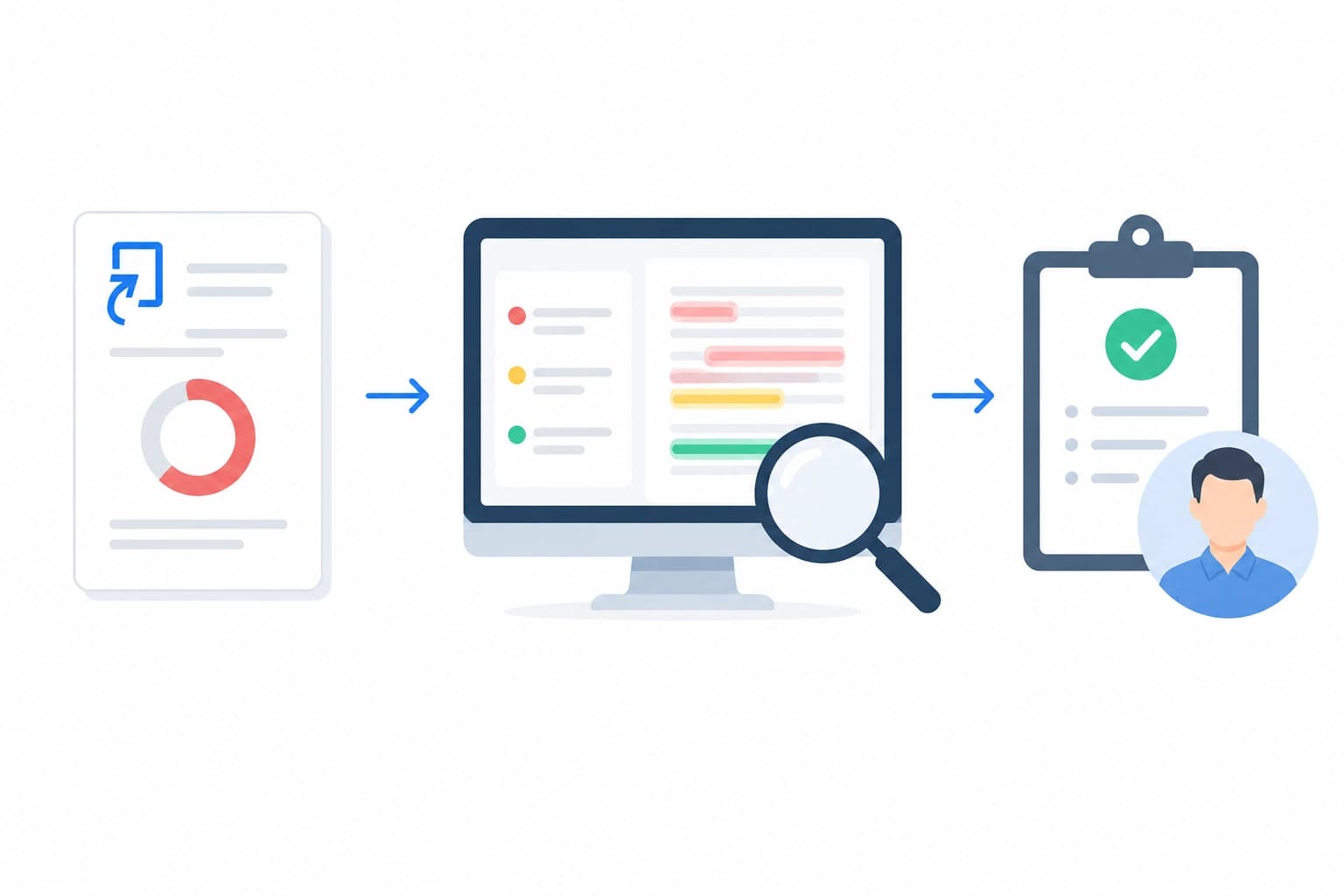
If you have marked more than a handful of assignments, you already know that the similarity percentage on the front of a Turnitin report is the least useful number in it. A 32% report can be a clean piece of scholarship with a heavy reference list; a 6% report can hide two lifted paragraphs from a paywalled journal. What separates instructors who use Turnitin well from those who let it push their judgment around is a working method for reading the report — knowing which exclusions to toggle mid-review, when a match is boilerplate, when it is patchwork paraphrase, and when the pattern of sources points to something worse. This is that method, written for colleagues who have to get through a stack of submissions by Friday.
The percentage is the least useful number
Turnitin's own help centre states this in plain English: “There is no fixed number to receive as a score in your Similarity Report. Every school, instructor, or assignment could have a different amount of matching text that is considered acceptable.” The score is a similarity measure, not a plagiarism measure — an entirely different thing from the AI Writing Report and independent of any misconduct judgment.
In practice the raw front-page percentage is only a triage signal. It tells you whether to open the report immediately or leave it for later in the pile. Everything that matters for grading and integrity decisions is one layer deeper — in the source breakdown, the filter panel, and the highlighted passages. If you are still unsure what the similarity score itself represents, our explainer on understanding the Turnitin similarity score covers the mechanics.
Reading the source breakdown
Open any report and the right-hand panel shows the “Match Overview” — a ranked list of matched sources with their individual contributions to the score. This is where interpretation begins. Turnitin classifies matches into three categories: Student Papers (submissions from other institutions' Turnitin repositories), Publications (books, journals, and content indexed through the Crossref Similarity Check programme), and Internet (public web pages). Each carries a different meaning.
- A single high-percentage Student Papers match — 20% or more from one source — is the strongest single red flag in the report and warrants investigation, especially if the matching institution is nearby or in the same programme.
- A long list of small Internet matches, each 1-2%, is usually harmless: definitions, common phrasings, and boilerplate that appear on many sites.
- A concentrated Publications match of 5% or more from a single journal article, without a corresponding citation in the text, is the classic signal of paraphrased or lifted source material. Our guide to how Turnitin checks against published papers explains why journal matches are the hardest to disguise.
The rank ordering matters. The top three sources typically account for the bulk of the similarity — look at those first and decide whether you need to open the rest at all.
Colour bands — triage, not verdict
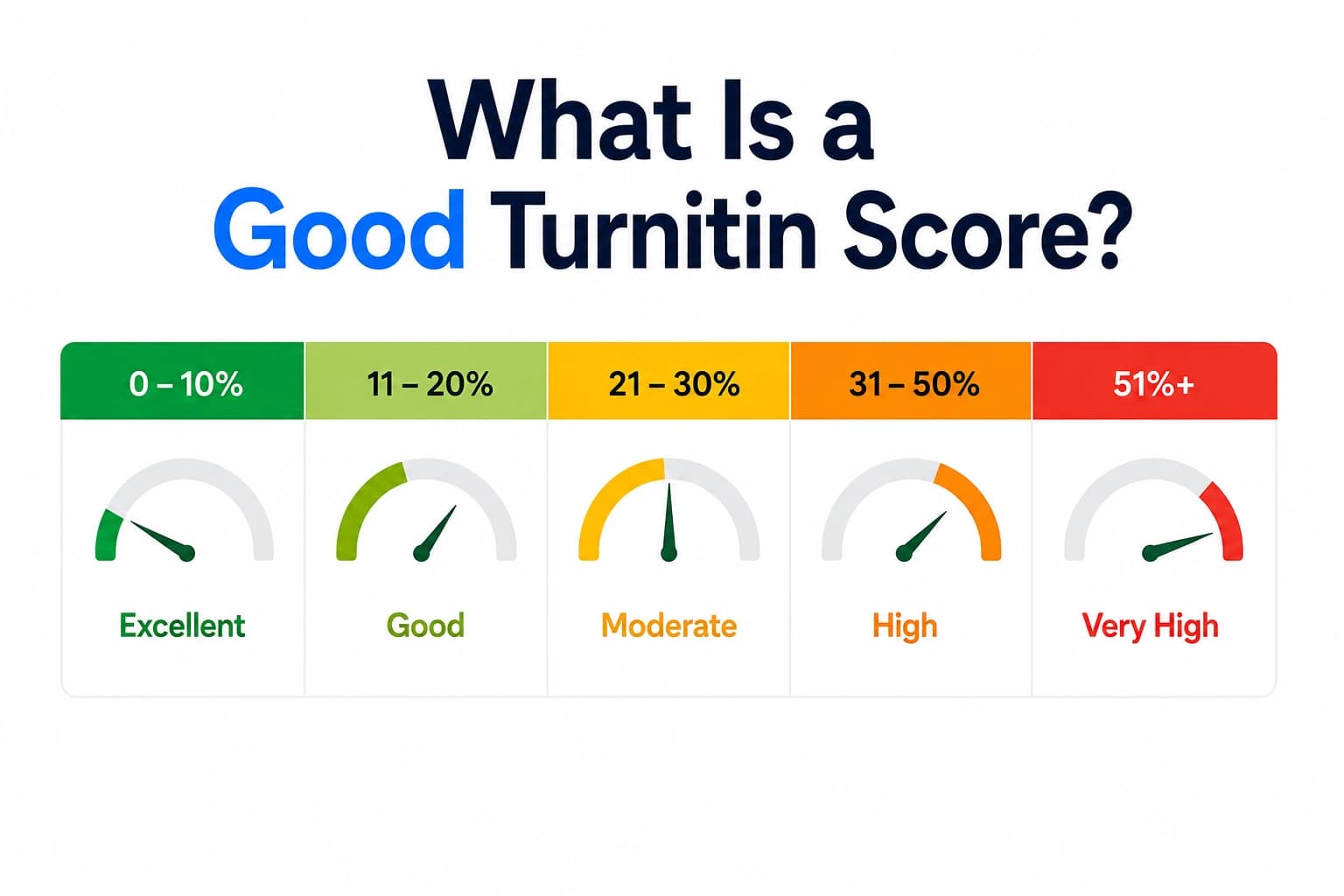
Turnitin's five standard colour bands — blue (0%), green (1-24%), yellow (25-49%), orange (50-74%), red (75-100%) — are triage indicators, not verdicts. Yellow and above earn a closer look; blue and green usually pass a quick scan. But treat the colour as a suggestion of where to spend attention, not a mark. In my own workflow I flag every yellow and orange for careful review, but I still open a random 20% of the green ones — that is where quietly lifted paragraphs tend to hide, protected by a low overall score.
The bands also do not reflect any assessment of citation quality. A yellow report with a properly cited long quotation is entirely acceptable; a green report with two uncited sentences from a journal article is not. For a longer treatment of what the bands mean for grading, see what is a good Turnitin score and the specific case study in is 25% Turnitin similarity bad.
The View Source jump
Selecting a source number in the Match Overview panel jumps the document view to the matched passage and highlights it in the same colour used on the source card. The right-hand panel switches to show the source text alongside the student's. This is the single most useful function in the report and the one instructors most often skip.
The multi-source view also matters. When more than one source has matched to the same passage, a “View other sources” option appears at the bottom of the source card. In practice this is where you distinguish a student who has read one paper carefully from a student who has stitched together several — the same sentence matching three different papers often means all three are just quoting a common definition, not that the student cheated.
Applying exclusion filters mid-review
The exclusion filter panel is the tool that turns a raw percentage into a defensible interpretation. Turnitin's filter documentation describes four exclusions that every instructor should know how to toggle live during a review.
- Bibliography exclusion. Turnitin's machine-learning classifier identifies reference sections in English submissions and removes them from the calculation. For reference-heavy work — dissertations, systematic reviews, meta-analyses — this typically knocks 5-15 points off the score. Always toggle it before making a judgment on humanities and social science work.
- Quotes exclusion. Removes text enclosed in quotation marks or formatted as block quotes. This is best used as a check rather than a default: turn it on and see how much of the score was properly quoted material. If the score drops a lot, the student has quoted heavily but honestly; if it barely moves, the matches are unattributed.
- Small matches. The default word threshold is 8; raising it to 10 or 12 removes the noise of common academic phrases (“in this study we examined the effect of”) that inflate scores in disciplines with standard phrasing. For STEM and empirical social science, a threshold of 10-12 is usually the right working setting.
- Cited text. Where Turnitin can identify inline citation formatting, this filter removes matched text immediately following a citation. Useful for evaluating whether the substance of a passage is the student's own or is essentially the source's wording behind a citation — a distinction that matters enormously in postgraduate work.
A methodical instructor toggles all four in turn, notes the corrected percentages, and forms a judgment on the residual. That residual is what the student has actually similarity-matched with no defensible explanation.
The 20% rule myth
There is a persistent belief among students, and unfortunately some instructors, that Turnitin has a 20% threshold below which everything is fine. It does not. Turnitin has said so repeatedly, and university academic integrity guides — including the University of Reading's staff guide and Aberystwyth University's referencing guide — explicitly reject universal thresholds. The right question is never “is this above or below X percent?” The right question is “what is driving the matches, and is each driver defensible?”
Signs of misconduct vs incidental match
After enough reports you develop a pattern-recognition instinct, but the signals are learnable. Marks of incidental matching that do not need action:
- Long-tail of many small internet matches, each under 2%, spread across generic sources.
- High bibliography contribution — visible after toggling the bibliography exclusion.
- Matches to standard methodology descriptions in empirical work (“a between-subjects ANOVA was conducted”).
- Matches to widely used technical definitions or standard clause language.
- Correctly punctuated quotations that vanish when the quotes exclusion is toggled.
Signs that suggest something worth escalating:
- A single-source match of 15% or more with no corresponding citation.
- Long unbroken matched passages — 40+ consecutive words — from one source, especially journals or theses.
- Matches that persist after all four exclusion filters are toggled on.
- Matches to another student paper in the same or a related institution.
- A pattern of many mid-length matches (10-30 words) to a single source, suggesting patchwork paraphrase.
Patchwork paraphrase vs cited paraphrase
Patchwork paraphrase — also called mosaic plagiarism — is the hardest interpretive judgment in the report. Turnitin's own guidance on mosaic plagiarism is clear that this is a genuine integrity concern rather than a citation error. The reliable tell in the similarity report is a source that shows many short matches (10-15 words each) rather than one long one — the fingerprint of a student who has changed a few words per sentence but kept the source's structure intact.
Contrast that with a properly cited paraphrase: usually one or two short matches to a source, both around a citation, with the surrounding sentence structure clearly reorganised. When the same source produces a scatter of 12-word matches across three paragraphs, all with the source's sentence skeleton visible in the highlights, you are looking at patchwriting. That judgment can and should be raised with the student — not necessarily as a misconduct charge on a first offence, but as a substantive academic development issue.
Discipline-specific interpretation
The same 22% score means different things in different disciplines. In a STEM lab report, matches to standard method descriptions, apparatus lists, and formula derivations are expected — a 25-35% raw score with the small-matches filter set to 10 is often normal, and the residual matches on the interpretation and discussion sections are what matters. In humanities essays, the same 25% raw score deserves closer scrutiny because there is less legitimate boilerplate; matches typically come from either quoted sources or paraphrased argument.
Law essays sit at the extreme — statute quotations and case citations produce very high raw scores that are entirely legitimate. Systematic reviews and meta-analyses also run high because of shared search-strategy descriptions and reference lists. Calibrate your expectation to the assignment type before you calibrate your response.
Collusion — when students match each other
Turnitin's collusion check runs when submissions are set to the standard or institution paper repository and Similarity Reports are configured to regenerate immediately or on the due date. Turnitin's own guidance on checking for collusion notes that a final run after the due date catches paired submissions that were invisible when the earlier of the two was submitted.
The strongest collusion signal is two submissions in the same assignment matching each other with long shared passages that do not appear elsewhere in Turnitin's wider database. Sort the class by similarity descending, look at the top of the list, and open any Student Paper matches — Turnitin identifies the matching classmate's paper on both reports. Two 60% mutual matches is unambiguous; two 20% mutual matches on the introduction and conclusion (but not the body) is worth asking about.
A practical review workflow for a batch
For a stack of thirty submissions, this is the workflow that scales:
- Sort the assignment inbox by similarity, descending.
- Set the assignment-level small-matches filter to 10 words and bibliography exclusion on before you open anything. This is your baseline view.
- Open every report in the top third of the sort. For each, glance at the top three sources and the Match Overview totals; if the picture is defensible (bibliography, quoted material, standard method), close and move on.
- For reports where the residual after exclusions is above your working threshold (I use 15% for undergraduate essays, 10% for postgraduate), use View Source to inspect the top two matches directly.
- Spot-check five reports from the middle of the sort and two from the bottom, to catch low-percentage but concentrated matches.
- For any submission you plan to raise with the student, save the report with your exclusions applied — the exported PDF preserves the filter state and is your evidence trail.
Thirty reports done this way takes about 45 minutes and produces a defensible record for anything you decide to escalate. Whether the report alone is enough to refer a student to an integrity office is a separate question — our post on whether a professor can report a student on a Turnitin score alone covers the procedural side.
Writing feedback that references the report
The most useful feedback references the report specifically rather than gesturing at it. Instead of “your similarity score is too high,” something like: “After excluding your bibliography and quotations the corrected similarity is 18%, driven by three passages closely paraphrasing Chen (2022) that are not clearly attributed on pages 4 and 6. Please revise those passages to make the source attribution unambiguous.” That is actionable, specific, and demonstrates you actually read the report — which is often the difference between a student who accepts the feedback and one who appeals it.
A note on tables, footnotes, and headers: Turnitin does check these, but the way they surface in the report can be confusing. See our reference on what Turnitin checks in footnotes, tables, and headers for the specifics, and our broader piece on what Turnitin actually checks for the full coverage picture. Instructors who understand what the report cannot see are less likely to over-interpret what it does.
Frequently asked questions
What is the acceptable similarity percentage in Turnitin for instructors?
Turnitin does not publish a threshold, and its own help centre states explicitly that there is no fixed acceptable score. Most institutions use 15-25% as a rough triage zone for undergraduate essays, but the number alone is meaningless without the source breakdown. A 30% score driven by a bibliography and cited quotations is not a concern; a 10% score with two unattributed passages from the same journal article is.
Should I exclude the bibliography from the similarity report?
Almost always yes, at the point of review. Bibliography matches typically inflate the raw score by 5-15 points on reference-heavy work and represent expected overlap, not misconduct. Turnitin's bibliography filter uses machine learning to identify reference sections dynamically in English submissions. Toggle it on, note the corrected percentage, and review the remaining matches.
What is the small matches word threshold in Turnitin?
The default threshold is 8 words — matches shorter than that are already filtered out of the report. You can raise it to filter noise from technical terminology, standard methodology phrasing, or common academic constructions. A threshold of 10-12 words is a reasonable working setting for STEM and social science assignments where boilerplate matching is common.
How do I use Turnitin to detect collusion between students?
Collusion detection works only when submissions are set to the standard paper repository (or institution repository) and Similarity Reports regenerate immediately or on the due date. Turnitin then compares each submission against every other submission in the same assignment. Two papers that match each other with long shared passages that do not appear elsewhere in Turnitin's wider database are the strongest signal of collusion.
Can I rely on the Turnitin similarity score alone to determine plagiarism?
No, and Turnitin says so directly. The similarity score is a textual overlap measure, not a plagiarism verdict. The decision that specific matches represent academic misconduct is a human judgment based on whether the source is properly cited, whether the wording is substantially the student's own, and whether the pattern of matches is consistent with the assignment brief. The score directs your attention; the judgment is yours.
Ready to check your paper?
Get your Turnitin report in minutes.
Same report your institution generates — delivered privately, fast.
Related articles
Is 25% Similarity on Turnitin Bad? How to Read Your Score the Way Your Professor Does
7 min read · July 9, 2026